One lasting list
Recurring items keep their category, shops, comments, and images. When you do not need one, its quantity is simply 0. Next time, one tap on “+” is enough.
Add an item once – it stays on the list forever. Before the next trip, just set the quantity. Sharing through iCloud is optional. Meinkaufen remains fully usable without an internet connection.




Recurring items keep their category, shops, comments, and images. When you do not need one, its quantity is simply 0. Next time, one tap on “+” is enough.
Buy olive oil at Whole Foods, Target, or your local market? Assign the same item to all three. Check it off once and it is done everywhere—without duplicates.
All Articles, Checklist, Shopping, and Purchased are not separate lists. Each view shows the same items for the task at hand.
From everyday bread to an oven light bulb: after completing a trip, checked Normal items return with quantity 0. Shops, category, comments, and images stay with them.
The checklist is not a second shopping list, but a focused selection from your full item list. Before shopping, it shows only the items you want to check—without making you go through screws, batteries, and other rarely needed items. That way, you notice in time that you need more rice even if you forgot to add it to the shopping list while cooking.
For a coat, sunglasses, or that one book. Checked One-Time items are removed when you finish shopping and remain recoverable in Recently Deleted at first.
Give it a name, include a unit directly in the title if useful, then choose a category and one or more shops. Active shop and category filters act as defaults; press and hold to duplicate similar items.

Find an item by name or comment and tap “+”. Or work through your checklist before shopping. Quantities such as 2.5 or 0.75 are supported as well.
By default, the Shopping tab groups open items by shop when no shop filter is active—in the order you set. This gives you an at-a-glance overview of what you need from each shop. Once you are in a shop, simply tap its heading—for example, “Aldi”—and Meinkaufen applies it as the filter. As soon as one or more shop filters are active, the same items are automatically regrouped by category.


Automatic grouping is the default. For each view, you can also fix the grouping to Shop or Category—or turn it off entirely.

In Purchased, undo anything checked by mistake. When you finish, checked Normal and Checklist items return to quantity 0; checked One-Time items are removed.
You can hide checked items while shopping without changing your filters. If a shopping trip remains open, Meinkaufen can remind you later. The app badge can count open or completed items—or be turned off entirely.
Meinkaufen stays simple while offering tools for large, highly personal shopping lists.
Search looks through names and comments across the entire list. Filters narrow the current view by shop, category, item type, properties, or text. You can save up to five combinations.
Active shop and category filters help as defaults, so similar items are quick to add in sequence. Press and hold to duplicate an item—even from search results.
Add up to five images and a multi-line comment. Brands, measurements, technical details, or any other guidance stay right with the item.
Create variants as separate entries, such as “Sparkling water 0.5 l”, “Sparkling water case”, or “Eggs 12-pack”. Put the unit in the title and extra detail in the comment.
Use comments as keywords: add “cherry pie” to every ingredient or “party night” to the relevant items. Search brings the group back later.
Arrange shops and categories to match your routine. They appear in that order while shopping—ideally close to the route you actually take.
The list lives locally on your device and works without internet. Optionally, iCloud keeps your devices in sync or shares one list with family, a partner, or roommates.
Meinkaufen does not make unsolicited “smart” suggestions. The app manages exactly the list you have built yourself.

Set up multiple widgets for different shops and categories. One tap opens the app in the matching view; the checklist widget even lets you change quantities directly.
Export, import, back up, and restore—for moving from another app, merging two lists, or keeping your own backup.

CSV for spreadsheets and data exchange, PDF for a print-ready list, and a complete backup file (.meinkaufen), including images.
CSV files and backups can be imported again. Choose whether to replace or append to the current list; when appending, duplicate item titles can be removed.
Automatic backups and Recently Deleted help you recover an earlier state or individual items. Technical details are tucked into the FAQs.
Concise answers, with technical details exactly where you need them.
Meinkaufen is free.
Meinkaufen grew out of my own shopping routine. It mattered to me that items could be assigned to multiple shops, that everyone involved could edit the same list, and that it would stay in sync automatically. Items needed only occasionally should remain on the list without cluttering the focused review before shopping. That’s what the Checklist is for. Since I couldn’t find an app that brought all of this together, I developed Meinkaufen myself and enjoy working on it in my spare time.
Meinkaufen is available for iPhone and iPad. The iPad version can also run on Macs with Apple silicon. With iCloud, you can keep the same list up to date across your own devices signed in to the same Apple Account.
There is no sign-in within the app. iCloud is not required for local use on one device; the list is stored on your device and remains available offline. You only need iCloud to sync the list across your own devices or share it with other people. Your devices must be signed in to the same Apple Account for syncing; when sharing, iCloud must be available to everyone involved.
No. Exactly one list is active in Meinkaufen at a time. If you join someone else’s list, your own list is hidden temporarily. As soon as you leave the shared list, your original list returns unchanged.
Normal items are for anything recurring. Checklist items also remain available and additionally appear in the deliberate stock check. When you finish a trip, checked Normal and Checklist items return to quantity 0; checked One-Time items are removed.
First review every checkmark in Purchased and correct any mistakes. Finish Shopping Trip then processes every completed item regardless of the current filter and clears every checkmark. Completed Normal and Checklist items also return to quantity 0; completed One-Time items are deleted. All other details of the remaining items are preserved.
Yes. With the default automatic grouping and no shop filter active, the same item appears once under each assigned shop. Once you filter by one or more shops, it appears only once in the category grouping. In both cases these are representations of the same entry: check it off and the item is completed everywhere.
Search looks through names and comments across your entire list without changing your filters. The filter bar narrows the current view by shops, categories, item types, properties, or text. You can save up to five combinations.
When you tap Invite in Meinkaufen, you send the invitation through Mail or iMessage. For Mail, use an email address; with iMessage, you can use either an email address or a phone number. The address or number you use must be linked to the invited person’s iCloud account. Otherwise, iCloud cannot match the invitation to the recipient and displays an error. The invitation is tied to that person when it is created; it is not a generic link that can be forwarded to someone else.
Everyone involved needs Meinkaufen and access to iCloud. Changes to the shared list sync automatically whenever a connection is available. Display options and saved filters sync only across your own devices and are not shared with other participants.
Yes. The list lives locally on your device and remains fully usable offline. Changes sync through iCloud later, as soon as a connection is available again.
The app stores your list locally. When iCloud is available, Apple CloudKit syncs the data. If you share a list, invited people can view and edit it. Meinkaufen operates no server of its own, includes no analytics or tracking tools, and sends no data whatsoever to the developer.
Meinkaufen is not a data silo:
When importing a CSV or backup file, choose Replace or Append; when appending, duplicate item titles can be removed. Importing into a shared list is available to its owner. Individual images can be shared from the full-screen view through AirDrop, Mail, Messages, or the Files app.
The backup file uses readable JSON internally. Open it in a text editor and titles, quantities, categories, and shops appear as text; images are embedded as data in the same file. This keeps all content readable even if Meinkaufen should no longer be available one day.
Automatic backups are enabled by default. When something has changed, Meinkaufen creates at most one new backup file per day and keeps up to ten backups. When needed, it also creates a backup before importing data and before joining or leaving a shared list. You can create a backup file manually at any time. Before importing it, you can review all of its contents and filter the item list to show only entries that differ from your current data. You can then restore the entire backup or only selected parts: individual items, saved searches, and display options.
Yes. In Settings → Recently Deleted, you can restore items for 30 days. This also applies to One-Time items removed when finishing a trip. After that, recovery is only possible from a suitable backup.
Deleted data remains for 30 days as invisible change markers. That is how devices that have been offline for longer learn what was removed. A new device receives these markers during its first sync as well; later syncs contain only new changes.
Have a question, a problem, or an idea? Send me a message. I will reply as soon as possible.
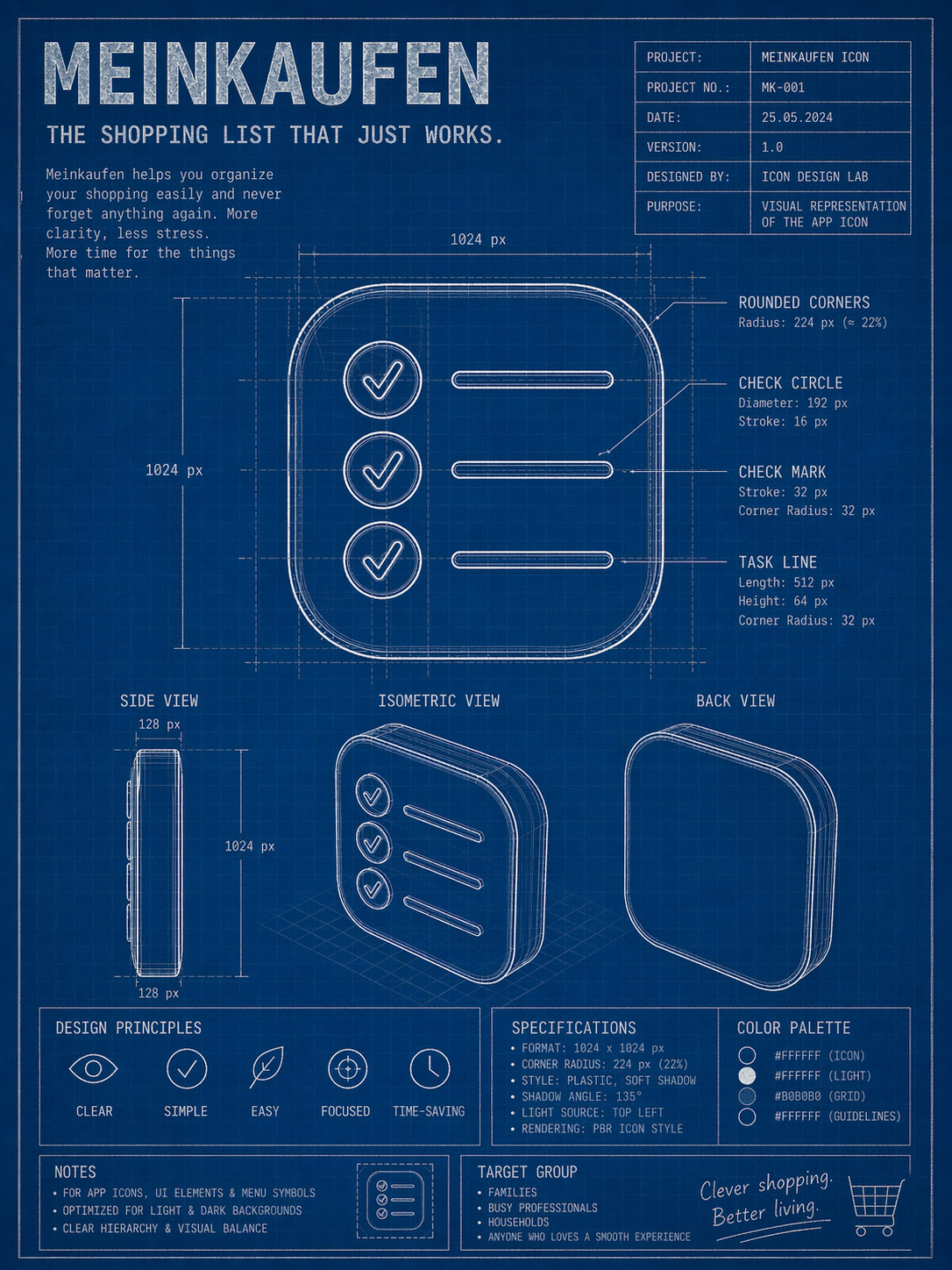
Every curve, every line, every pixel—considered. The simple surface is backed by careful construction.
One list for every shop—set up the way you actually shop.